Resource library
Clear answers for the “okay, but how?” part.
Beginner-friendly guides, practical examples, and real-world guardrails. No hype treadmill. No assumption that you already know where the settings menu went.
Free Resources
Start with what you need today.
Choose a resource and go straight to it. No maze, no scavenger hunt, and no form standing between you and the answer.
Start here
Your first AI account
What to decide before signing up, which settings matter, and how to avoid turning setup into a weekend project.
Open the resource 02Get organized
Chats vs. Projects
A simple way to decide where a quick question belongs and when ongoing work needs a Project.
Open the resource 03Sound like yourself
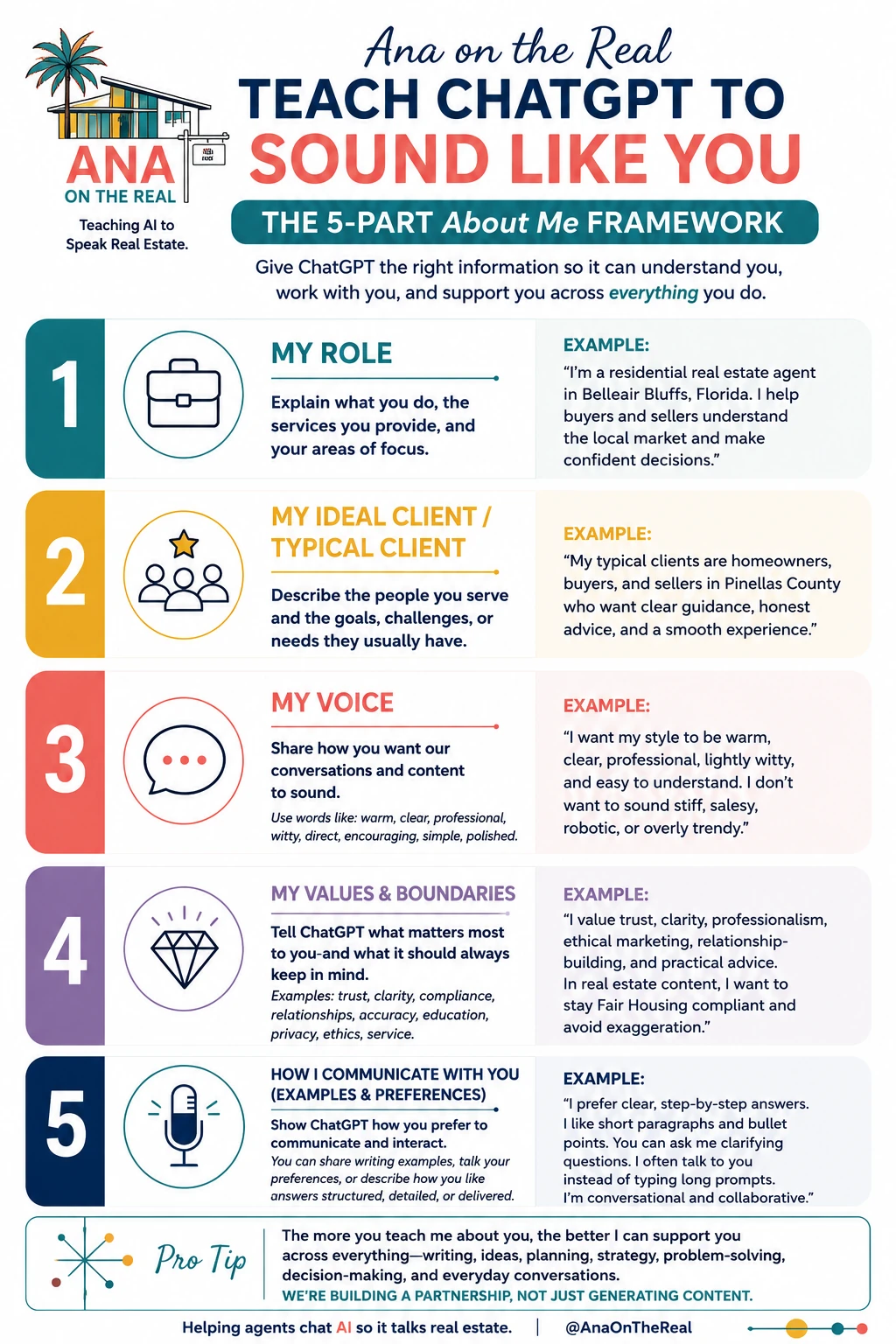
Custom instructions
Give AI useful context about your work, audience, tone, and boundaries without oversharing.
Open the resource 04Prompt better
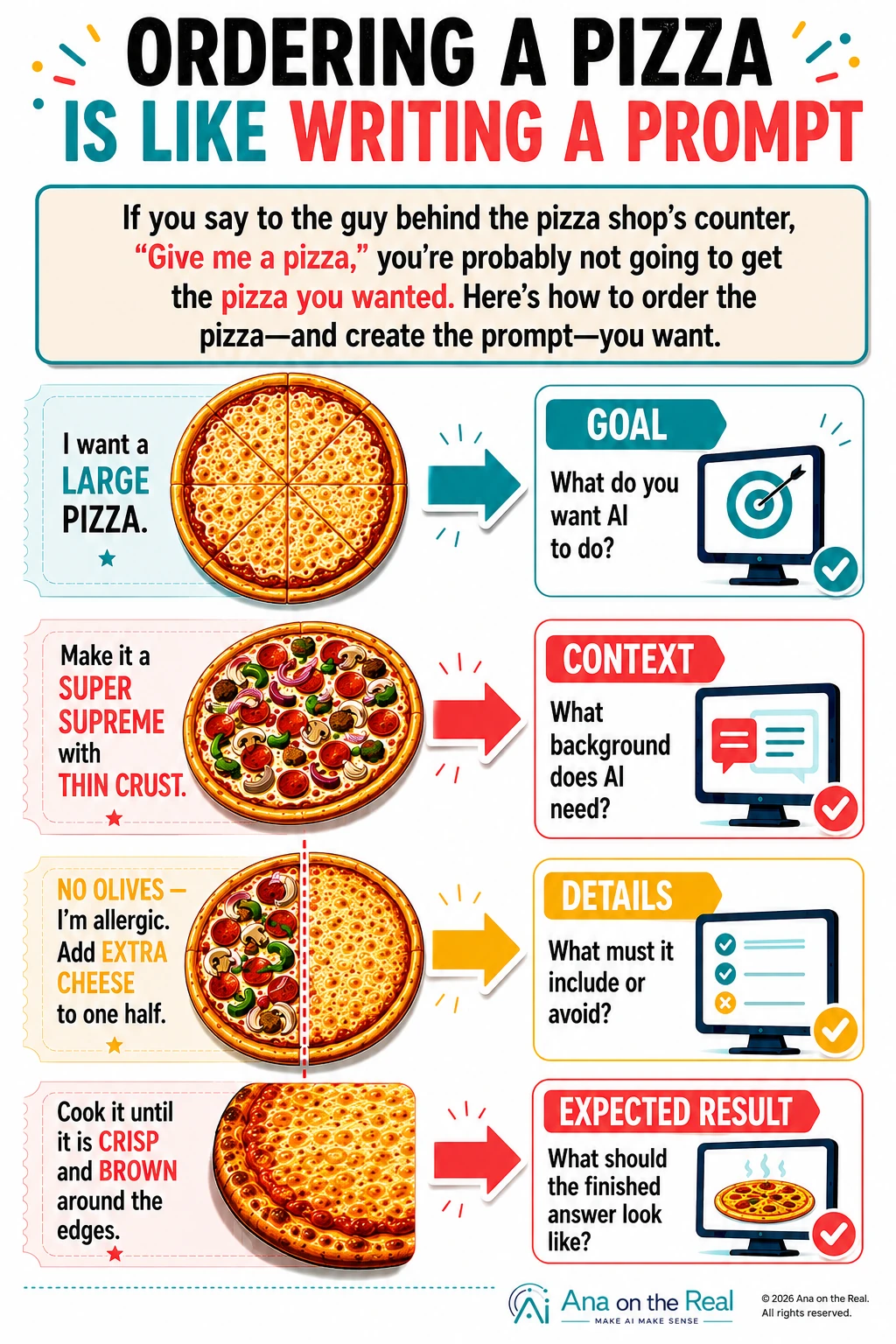
The four-part prompt
Use role, context, task, and boundaries to get more useful results with less back-and-forth.
Open the resourceVisual guides
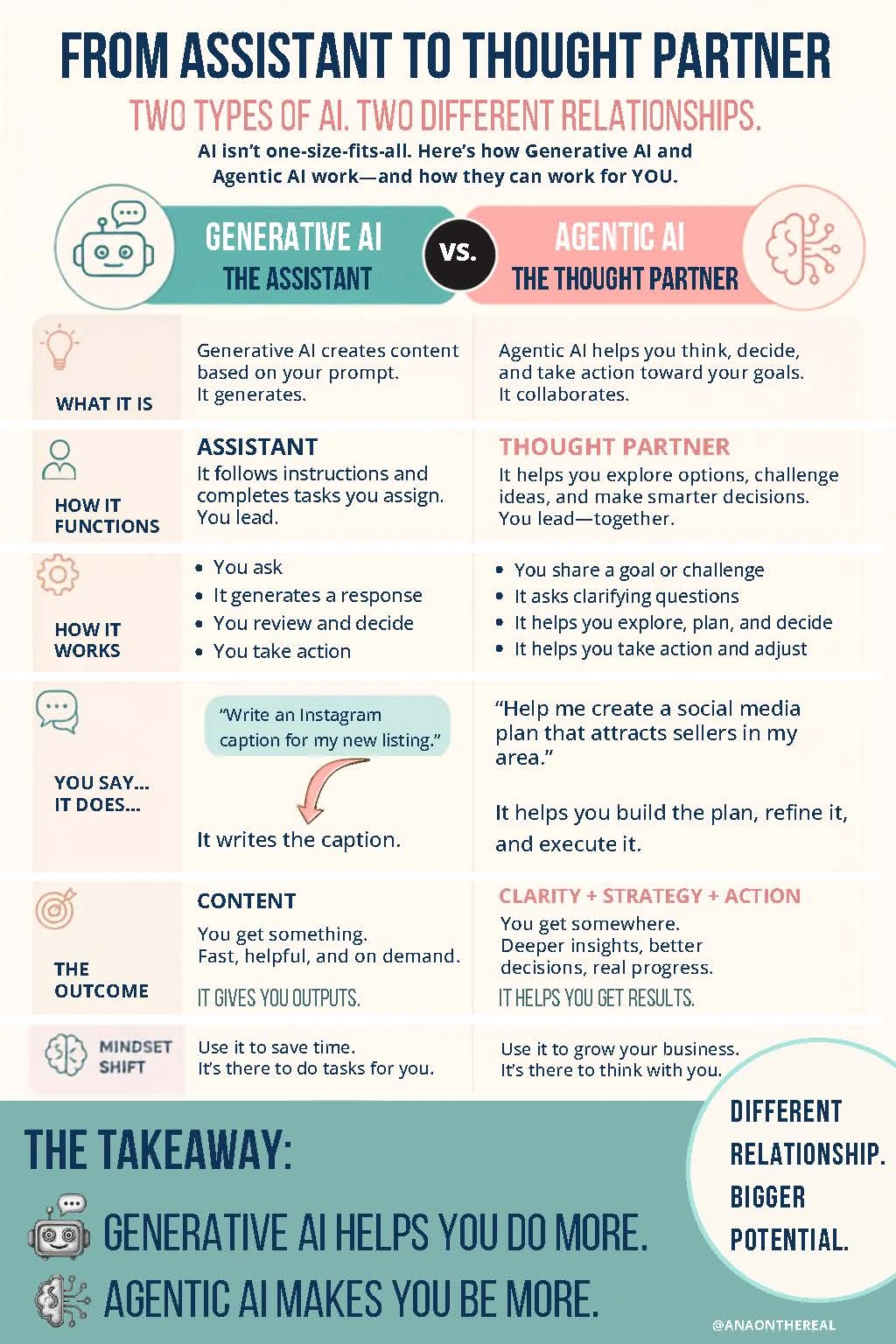
Save the lecture. Show me.
Open any guide to see it full-size. These are designed for beginners who want the concept explained clearly before anyone starts throwing around acronyms like confetti.
Tool orientation
Know what the tools do before you pick one.
AI Ana on the Real covers leading tools including ChatGPT, Claude, Microsoft Copilot, Gemini, and Codex, then helps you choose based on the work—not whichever product shouted loudest this week.
Explore tool training
Use AI. Keep your judgment.
Resources are a starting point, not compliance approval.
For real estate work, review outputs for accuracy and follow current brokerage policy, MLS rules, privacy requirements, advertising standards, and fair housing law. AI can help draft the work; it cannot take responsibility for it.